

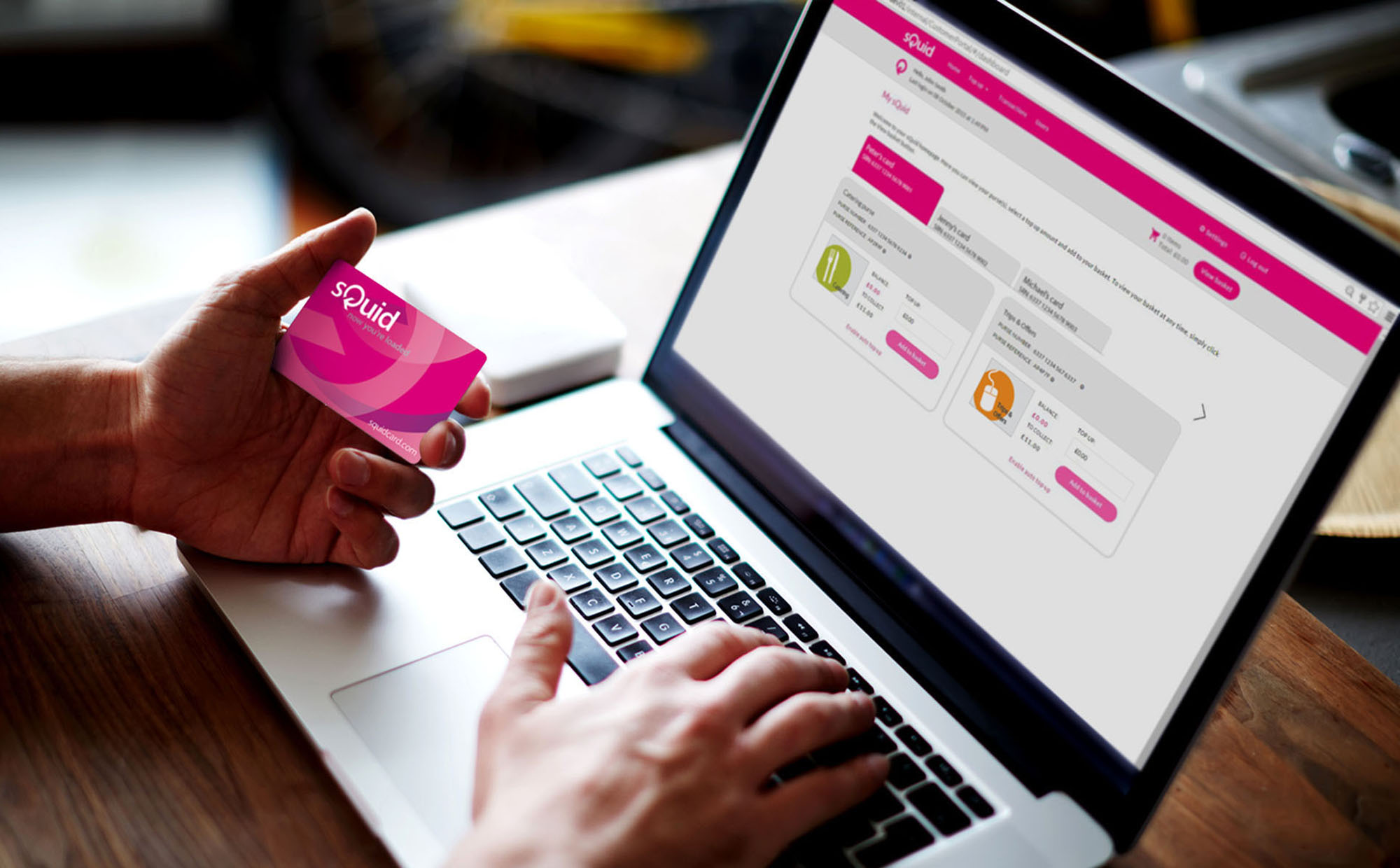
Online payments with sQuid
An easier & more convenient way to pay
sQuid is an online payment system that can be used to make a variety of school payments. Parents can use sQuid to pay for school payments such as: Dinner Money top ups, Cashless Catering top ups, and payments for School Trips & Offers.
Students use a variety of identifiers in school to make the payments, these include: smart cards, biometric & picture identifiers, and key fobs, which are all linked to the online sQuid account.
Benefits
- More convenient; no need to worry about sending cash or cheques
- View your child's transactions anywhere, at any time
- Ensure money is being spent on healthy school meals
- Auto top up payments for peace of mind that your account will never run out of funds
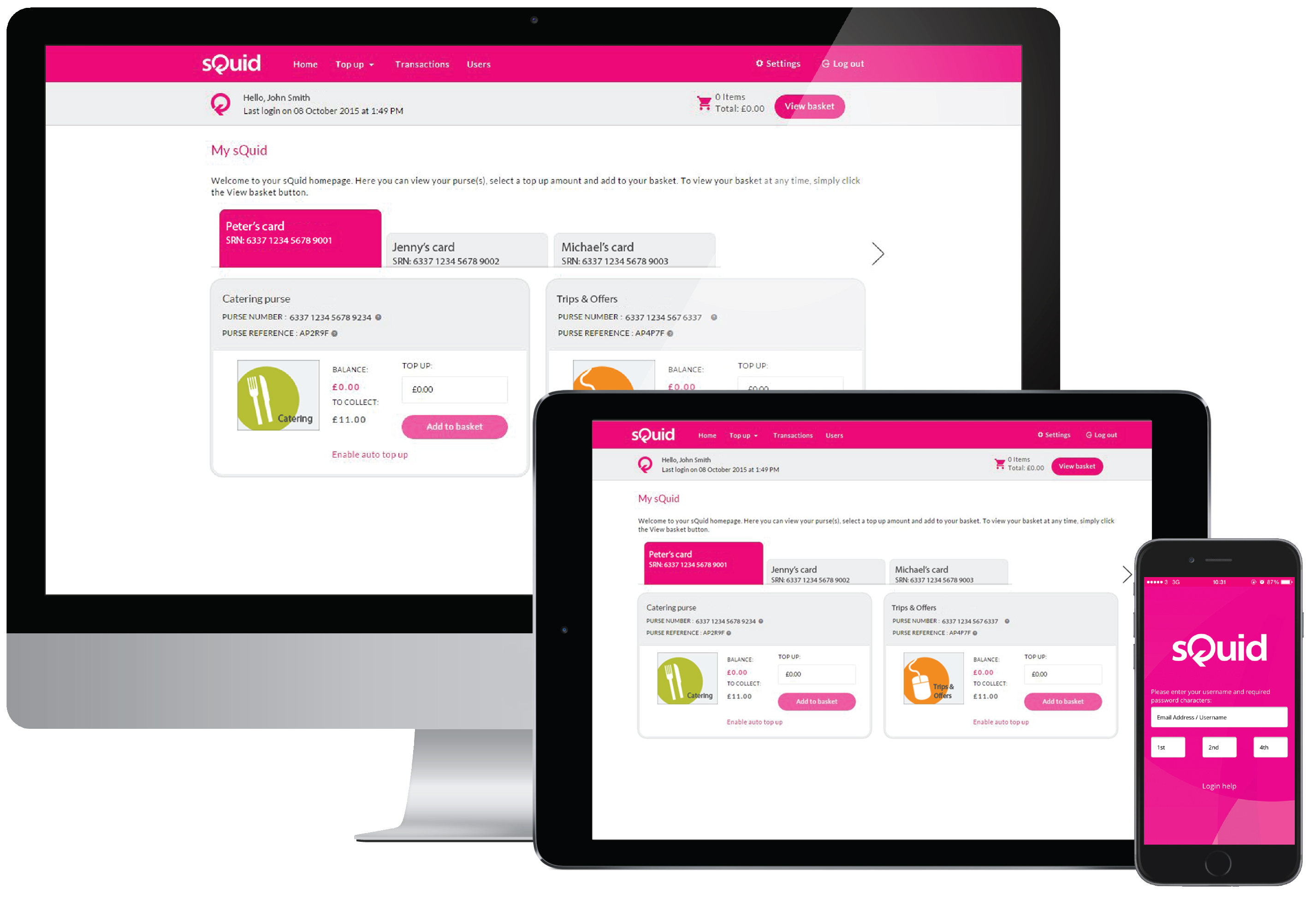
Create a sQuid account online
Click here to register with sQuid >
- Enter a few personal details to create an account
- Top up your sQuid account online
- Top up from a bank transfer, or credit or debit card
- Protect your card balance should it be lost or stolen
Click here to log in to your sQuid account >
- Check your balance; do you need to top up?
- View your transactions to check your spending
- Top up your account; bank transfer/credit or debit card
- Update your details and preferences
Video: How to register your sQuid account
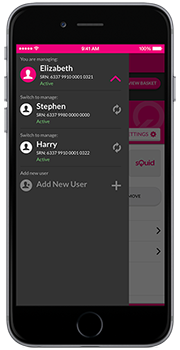
sQuid mobile app
Perfect for busy individuals
The sQuid App is free to download on iOS and Android devices, providing a quicker and more convenient way to access, manage and top up your online sQuid account.
Manage multiple accounts
Have more than one sQuid account? Access and manage multiple accounts using one login with the sQuid App.
Download the sQuid app now
To download the sQuid App on iOS and Android devices, please click on the appropriate download links below, or search for 'sQuidcard' in the relevant stores.


Different purses for different purchases
You may have more than one purse in your sQuid account. Different purses are used for different types of payments. Please ensure that you top up the correct purse.
For Dinner Money or Catering payments
Top up your catering purse to pay for school dinner money, or catering.

For School Trips & Offers
Use this purse to buy school offers such as trips, uniform and other items offered for sale by the school.
Top up methods
Top up using a credit or debit card
- Funds instantly show on your purse and you will receive an email confirmation
- Enable Auto top up on your Catering purse, so your child never runs out of funds
Top up by bank transfer or standing order
- Please remember to use the unique 6 character reference for the purse you wish to add funds to
- If topping up a Trips & Offers purse, remember to log in and allocate the payment towards the item
- It may take up to 10 working days for funds to be cleared by the bank before they appear on your purse